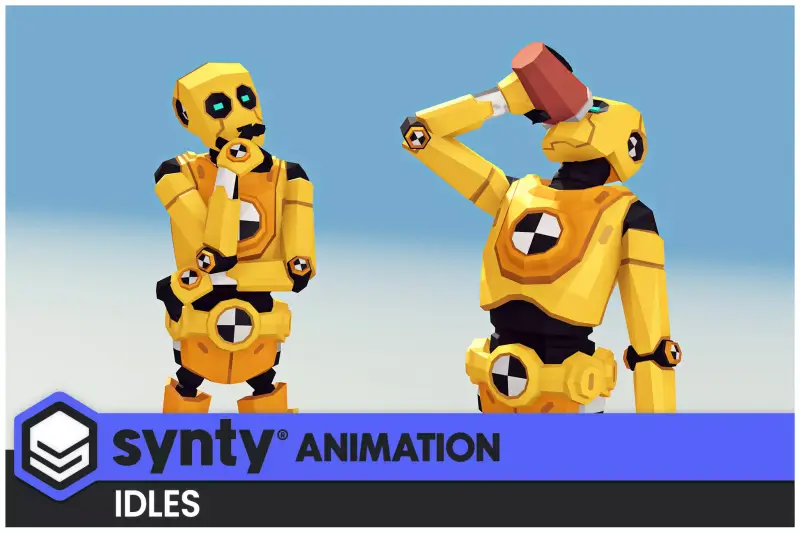
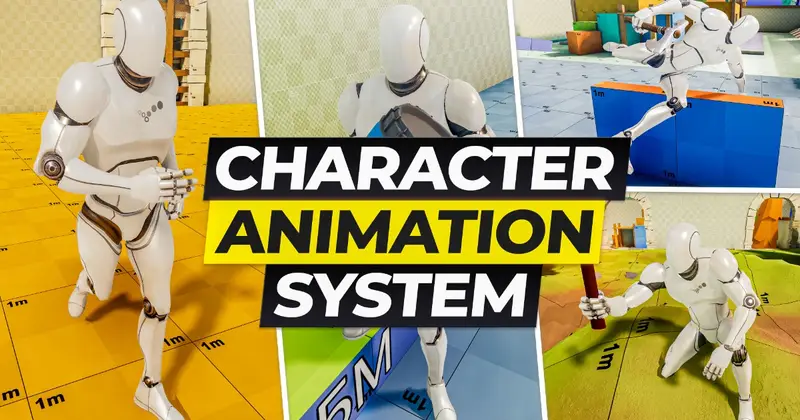
Synty ANIMATION - Base Locomotion - Character Animset
About Synty ANIMATION - Base Locomotion - Character Animset – Unity 3D Asset
Synty ANIMATION - Base Locomotion - Character Animset Unity Asset Overview
Hey fellow developers, Dev Sharma here. Over my 8+ years shipping titles in Unity, I have built and tossed out dozens of custom character animation pipelines. Setting up basic movement from scratch—handling acceleration, deceleration, and root motion matching—always eats up valuable production weeks. That is where Synty ANIMATION - Base Locomotion - Character Animset enters your project pipeline. Synty Studios is legendary for their polygonal art style, but this animation-focused asset provides the underlying mechanical heartbeat required to bring those characters to life without writing an entire CharacterController state machine from absolute zero.
From an architectural standpoint, this asset is designed to plug directly into the Unity Animator Controller workflow using standard humanoid rigs. It solves the perennial headache of rigid, robotic turns and unpolished stops. By providing clean, loopable locomotion clips—ranging from subtle idles to full sprints, strafes, and turns—it establishes a predictable skeleton structure that can be driven cleanly by either code-driven velocity or native Root Motion.
Core Technical Features & Highlights
When evaluating animation packages for production stability, I look closely at clip organization, root motion behavior, and mecanim parameter compatibility. Synty packaged this set with clean architectural patterns that make integration smooth.
- Humanoid Rig Standardisation: Fully mapped to Unity's native
Avatarsystem, ensuring plug-and-play capability across any standard Humanoid character model, especially PolyPack assets. - Root Motion & In-Place Support: Includes clean variants for both root motion (great for cinematic or precise physical movement) and in-place loops (essential for networked multiplayer or strict Rigidbody velocity overrides).
- Blend Tree Friendly: Motion vectors are meticulously aligned, keeping foot sliding to an absolute minimum when driving
BlendTreeparameters like speed and angular velocity. - Optimized Clip Compression: Keyframe reduction is handled sensibly out of the box, keeping memory footprints tiny and preventing garbage collection spikes in your profiler.
In my experience, rendering performance isn't heavily impacted by the animations themselves, but poor keyframe reduction can bloat your memory. Synty keeps these clips lean, meaning your draw calls and CPU animation time stay well within target budgets for both desktop and mobile platforms.
Ideal Use Cases & Game Genres
Honestly, not every animation set fits every game style. Because of Synty's signature aesthetic and the clean pacing of these loops, this package shines brightest in specific genres:
- Low-Poly Survival & Crafting Games: Perfect for open-world exploration where players need responsive, readable movement over varied terrain.
- Action-Adventure & Indie RPGs: Provides a rock-solid foundation for exploration loops before transitioning into custom combat states.
- Top-Down Shooters & Isometric Projects: The directional walk and run cycles map intuitively to mouse-look or twin-stick controller input schemes.
- Prototyping & Vertical Slices: If you need to pitch a game concept this weekend, dropping these animations onto a placeholder mesh gives you an immediate, professional feel.
Quick-Start Unity Setup & Integration Guide
Let's get this asset working inside a standard project setup. Follow these practical steps to hook up the base locomotion controller to your player character:
- Import the asset package into your project directory. Navigate to the animation folder and verify your character model uses a Humanoid rig configuration in the import settings.
- Create a new
Animator Controllerin your project window, right-click, and set up a 2DBlend Treefor your primary movement states (Idle, Walk, Run). - Assign your float parameters—typically named
SpeedorVelocity—to drive the blend thresholds based on your input vector magnitude. - Attach the following lightweight movement listener script to your player GameObject to feed input directly into the
Animatorcomponent:
using UnityEngine;

[RequireComponent(typeof(Animator))]
[RequireComponent(typeof(CharacterController))]
public class SimpleLocomotionDriver : MonoBehaviour
{
    private Animator animator;
    private CharacterController controller;
    [SerializeField] private float movementSpeed = 5.0f;

    void Start()
    {
        animator = GetComponent<Animator>();
        controller = GetComponent<CharacterController>();
    }

    void Update()
    {
        float moveX = Input.GetAxis("Horizontal");
        float moveZ = Input.GetAxis("Vertical");

        Vector3 moveDir = new Vector3(moveX, 0, moveZ);
        controller.SimpleMove(moveDir * movementSpeed);

        // Feed magnitude into Animator parameter
        float currentSpeed = moveDir.magnitude * movementSpeed;
        animator.SetFloat("Speed", currentSpeed, 0.1f, Time.deltaTime);
    }
}
Pros & Cons Assessment
Here is an honest breakdown of what makes this asset great, alongside a few limitations you should keep in mind during architectural planning:
- Pros: Exceptional stylistic consistency with other popular ecosystem packs. Minimal foot sliding out of the box. Highly readable silhouettes that work wonderfully from isometric or third-person camera distances.
- Cons: Limited to general locomotion; you will need complementary animation packs for combat, climbing, or complex interactions. The stylized nature makes it harder to mix with hyper-realistic motion capture sets without severe aesthetic clashes.
Asset Details & Specifications
| Category | 3D / Animations |
|---|---|
| Latest Version | v1.1.2 |
| File Size | 98.57 MB |
| Added to Platform | June 20, 2026 |
| Views | 12 views |
| Downloads | 5 downloads |
| Favourites | 0 favourites |
| Official Store | Buy Original License on Unity Asset Store → |
| Issue with Package? | Report Broken Link → |