MicroVerse - Core Collection
About MicroVerse - Core Collection – Unity Editor Tool & Plugin
MicroVerse - Core Collection Unity Asset Overview
In my experience building open-world environments in Unity, standard terrain workflows have always been a major bottleneck. Traditional terrain tools rely heavily on destructive hand-painting and long, tedious baking cycles. If a level designer decides to move a mountain ridge late in production, you are often looking at hours of manual rework across heightmaps, splatmaps, and vegetation placement.
MicroVerse - Core Collection radically changes this paradigm by introducing a fully non-destructive, dynamic, GPU-driven terrain system. Developed on top of custom Compute Shaders, MicroVerse processes height modifications, biome texturing, tree scattering, detail placement, and physics layer masks in real time directly on the GPU. Instead of baking pixel data onto static textures, MicroVerse operates using a modular Stamp Architecture. Every geographic feature—whether it is a mountain, river, road corridor, or forest—exists as an editable, re-orderable object in your hierarchy.
The core architecture acts as an orchestrator above Unity’s native Terrain component. It intercepts the terrain generation pipeline, executing rapid shader passes to combine non-destructive layers before feeding the resolved output back into the native terrain data. This gives you native performance benefits and full compatibility with existing physics triggers and collision meshes, without any of the legacy authoring headaches.
Core Technical Features & Highlights
Honestly, the immediate, zero-latency visual feedback loop is what sets this system apart. Here is a breakdown of the core technical features that make it stand out in production environments:
- Non-Destructive GPU Stamping: Height, texturing, vegetation, and detail layers are calculated using Compute Buffers. You can transform, rotate, scale, or disable any stamp at any time without degrading the underlying terrain data.
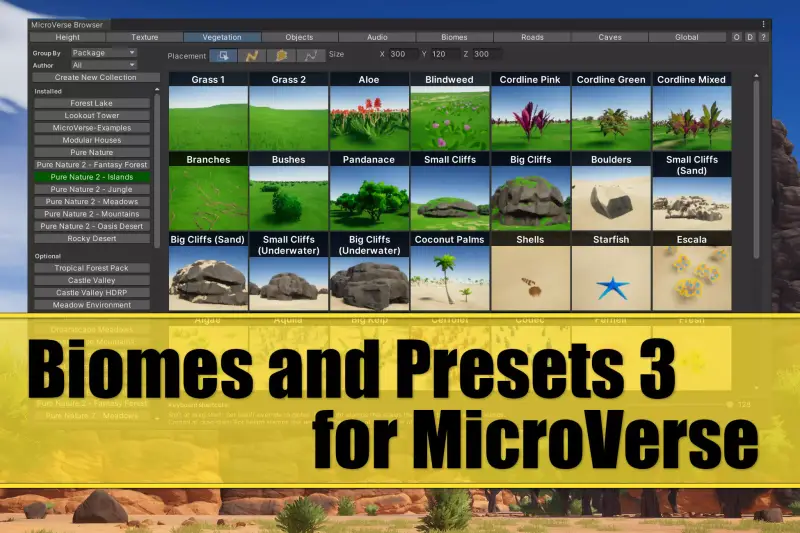
- Integrated Vegetation & Object Scattering: Trees and foliage instances are computed dynamically using procedural noise, slope constraints, and altitude masks. Trees adjust their height and positioning instantly as you move the underlying height stamps.
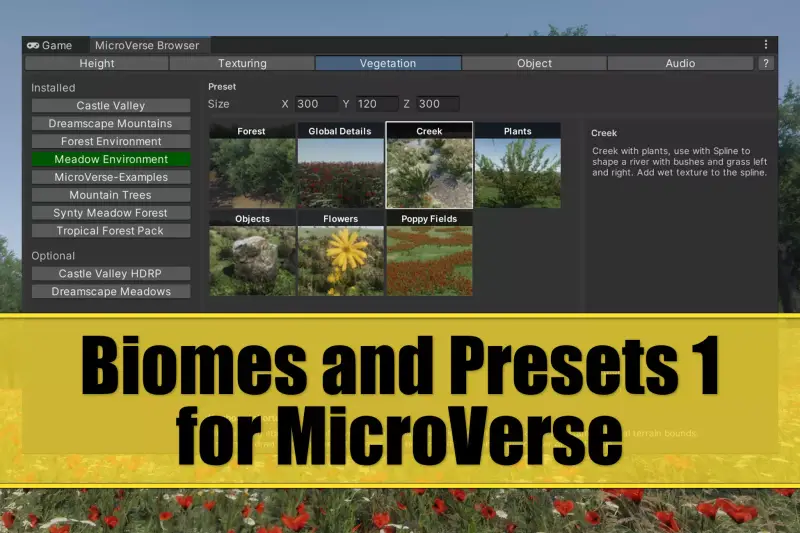
- Biomes & Dynamic Masking: Define custom biome zones using splines or primitive shapes. Biomes can seamlessly blend distinct texture sets, grass density, and foliage rules with zero harsh seams.
- Render Pipeline Agnostic: The asset runs natively across the Universal Render Pipeline (URP), High Definition Render Pipeline (HDRP), and the Built-in Render Pipeline.
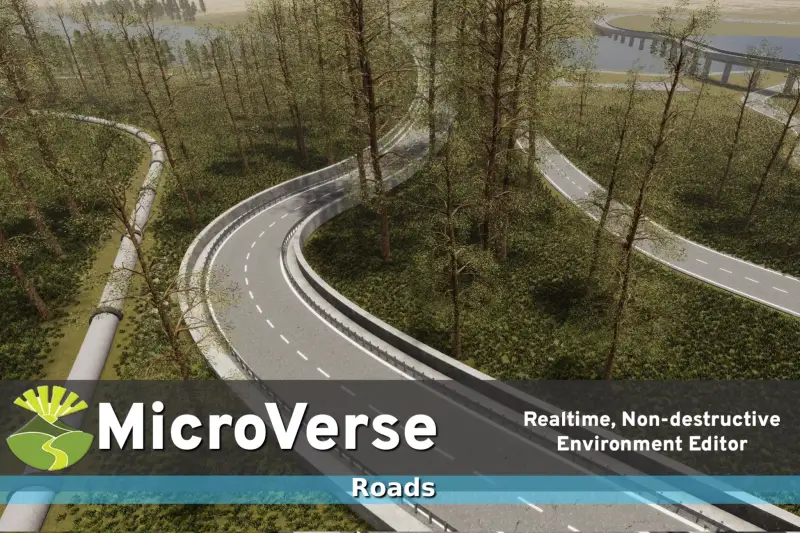
- Spline Pathing Integration: Carve roads, trenches, and riverbeds effortlessly into the terrain while automatically adjusting surrounding tree densities and soil textures along the path.
Ideal Use Cases & Game Genres
MicroVerse excels in projects that require large, detailed environments and fast iteration cycles. Here are the specific genres where it provides the highest return on investment:
Open World RPGs & Survival Games
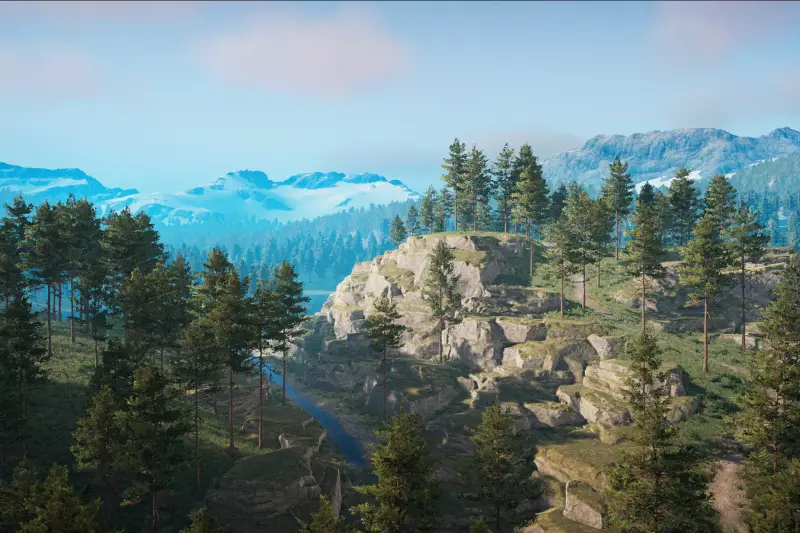
Large-scale worlds demand quick iteration. Being able to shift entire mountain ranges, adjust biomes, and regenerate dense forest ecosystems in real time lets world designers spend more time playing the game and less time waiting for static terrain lightmaps or vegetation layers to bake.
Off-Road Racing & Track-Based Games
Creating precise track beds over uneven terrain can be a nightmare with standard tools. With MicroVerse spline support, you can carve banked turns, dirt tracks, and gravel side-paths directly into complex mountain geometry while keeping terrain collisions completely synchronized.
Tactical Shooters & Battle Royales
Balancing sightlines and cover points requires constant tweaking. The ability to drop procedural height stamps to create defilades, ridges, or sniper vantage points—and instantly test them with live physics colliders—drastically accelerates level balancing.
Quick-Start Unity Setup & Integration Guide
Setting up MicroVerse in a fresh or existing project is straightforward. Here is how to get running in a few simple steps:
Step 1: Core Scene Setup
Ensure you have standard Unity terrain in your scene. Navigate to your top menu, select GameObject > Terrain > MicroVerse > Add MicroVerse to Scene. This initializes the global MicroVerse management controller, which automatically hooks into your active terrain instances.
Step 2: Adding Height & Texture Stamps
To start shaping the land, create a new stamp by right-clicking in the hierarchy and selecting MicroVerse > Height Stamp. Assign a noise texture or a heightmap shape to the HeightStamp component. As you move the transform handle in the Scene View, notice how the terrain reshapes instantaneously underneath it.
Step 3: Programmatic Stamp Control via C#
You can also manipulate terrain stamps dynamically via code during runtime or within editor scripts. The following script demonstrates how to target a specific HeightStamp, alter its blend weight over time, and trigger a terrain update pass:
using UnityEngine;
using JBooth.MicroVerseCore;

public class TerrainDynamicModifier : MonoBehaviour
{
    [SerializeField] private HeightStamp targetHeightStamp;
    [SerializeField] private float pulseSpeed = 1.5f;
    [SerializeField] private float maxOpacity = 1.0f;

    private void Update()
    {
        if (targetHeightStamp == null)
            return;

        // Dynamically shift the stamp's influence power
        float newOpacity = Mathf.PingPong(Time.time * pulseSpeed, maxOpacity);
        targetHeightStamp.opacity = newOpacity;

        // Notify MicroVerse to update the GPU pipeline pass
        MicroVerse.Modify();
    }
}
Pros & Cons Assessment
Here is my honest take on where this asset shines and where you should exercise caution:
- Pros:
- Eliminates terrain baking waiting times entirely, saving hundreds of developer hours.
- Truly non-destructive authoring workflow—experimentation carries zero risk of ruining base terrain maps.
- Low memory footprint due to runtime GPU rendering rather than storing massive 4K static heightmap arrays.
- Clean, modular component architecture that plays nicely with version control systems like Git and Perforce.
- Cons:
- Editing very complex terrain stacks with dozens of overlapping compute passes requires a dedicated dedicated GPU.
- Requires shifting away from classic manual painting habits to a layer-based mindset, which carries a short initial learning curve.
Asset Details & Specifications
| Category | Tools / Terrain |
|---|---|
| Latest Version | v1.7.35 |
| File Size | 438.39 MB |
| Added to Platform | February 13, 2026 |
| Views | 26 views |
| Downloads | 7 downloads |
| Favourites | 1 favourites |
| Official Store | Buy Original License on Unity Asset Store → |
| Issue with Package? | Report Broken Link → |