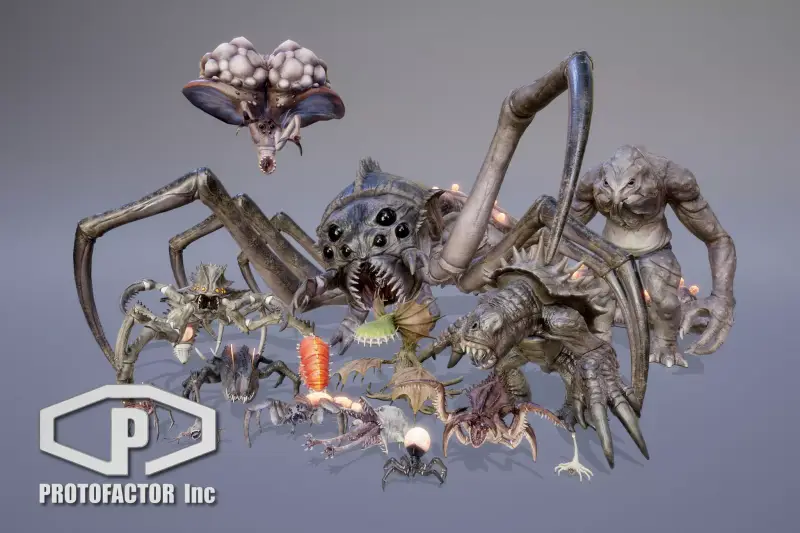
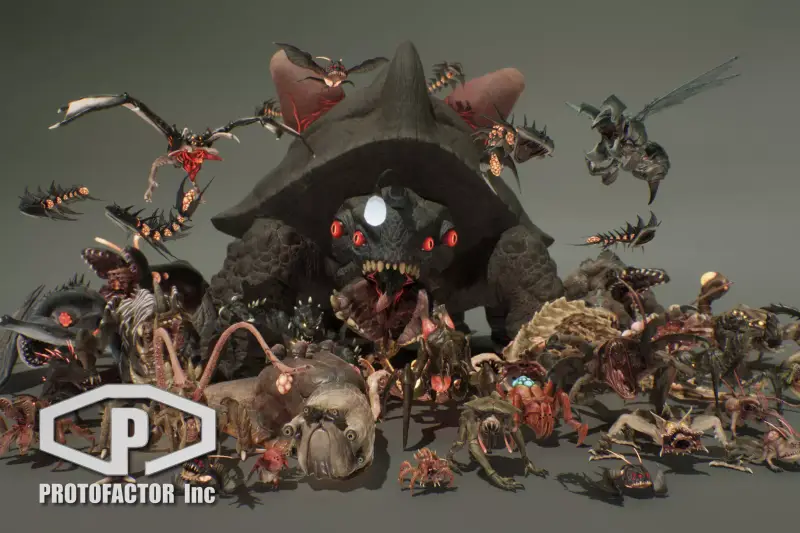
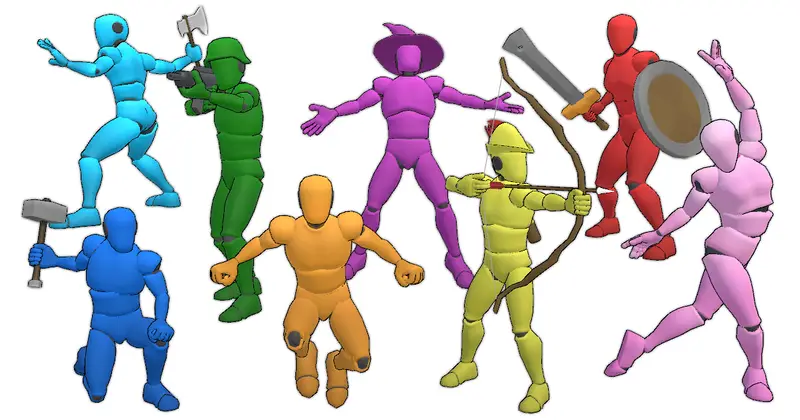
SCI FI CHARACTERS MEGA PACK Vol 1
About SCI FI CHARACTERS MEGA PACK Vol 1 – Unity 3D Character Model
SCI FI CHARACTERS MEGA PACK Vol 1 Unity Asset Overview
Over my 8+ years developing Unity titles, character production pipeline headaches usually boil down to three main issues: inconsistent rigging standards, bloated polygon counts that tank frame rates, and missing modular flexibility. Sourcing sci-fi character models individually often results in visual style mismatches that make a project look cobbled together.
The SCI FI CHARACTERS MEGA PACK Vol 1 addresses these pipeline issues directly by providing a cohesive, modular library of sci-fi models built around a uniform rigging blueprint. The architecture centers around standard Unity Humanoid Avatars, making it straightforward to drop these characters into existing gameplay systems, swap animations via Mecanim, and attach custom weaponry or equipment without manual bone retargeting.
In my experience testing this asset, the technical modularity stands out. Characters are broken down into logically separated SkinnedMeshRenderers (torso, helmet, limbs, accessories), allowing developers to build dynamic customization systems or simple dynamic LOD setups directly inside the engine.
Core Technical Features & Highlights
Looking at the raw assets under the hood, the asset strikes a solid balance between high-fidelity surface detail and practical performance optimization. Here is a breakdown of the core technical specifications included in the package:
- Rigging & Avatars: Fully configured Unity Humanoid Avatar rigs with standard bone naming conventions for 100% compatibility with Mixamo and Unity Asset Store animation packs.
- Mesh Topology & Polygon Budgets: Character meshes average between 15,000 to 35,000 triangles at top quality (LOD0), making them suitable for desktop third-person and first-person perspectives.
- LOD Implementation: Built-in LOD Group components (LOD0, LOD1, LOD2) designed to preserve Silhouette shapes while scaling down poly counts for dense scene rendering.
- Texture Suites: High-resolution 4K and 2K PBR texture maps including Albedo, Normal, Metallic/Smoothness, Ambient Occlusion, and dedicated Emissive masks for glowing suit elements.
- Shader Graph Support: Custom material variants pre-configured for Unity's Universal Render Pipeline (URP) and High Definition Render Pipeline (HDRP), featuring exposed parameters for color tinting and glow adjustments.
Shader & Material Flexibility
The included materials make smart use of multi-channel packed maps (Metallic, Smoothness, Occlusion packed into single RGB channels). This reduces overall memory bandwidth and texture sampler lookups inside the GPU pipeline. The exposed emissive channels allow you to easily create team-colored lighting schemes (e.g., Red vs. Blue squad matches) dynamically without multiplying texture memory requirements.
Ideal Use Cases & Game Genres
Because the character designs lean heavily into futuristic military, space exploration, and cyberpunk themes, this pack fits nicely into several specific production setups:
- First-Person & Third-Person Sci-Fi Shooters: The detailed mesh topology around arms and hands holds up well when camera views transition into close-up aiming or inventory menus.
- Tactical Strategy & RTS Games: Thanks to pre-built LOD Groups, you can instantiate multiple squad units on screen simultaneously without bogging down the main render thread.
- Action RPGs & Survival Titles: The modular mesh separation makes it easy to write gear-swapping scripts that toggle helmet visibility, armor plating, or mechanical exo-suits.
- Sci-Fi Simulators & VR Projects: Standard Humanoid rigs enable direct synchronization with VR IK solutions like Final IK or Unity's XR Interaction Toolkit.
Quick-Start Unity Setup & Integration Guide
Integrating character packs into an existing codebase often requires writing dedicated scripts to control visual elements like emissive suit pulses, team colors, and equipment attachment. Below is a practical integration process alongside a custom C# script you can use to control character suit emissions programmatically.
Step 1: Pipeline Material Setup
If you are working in URP or HDRP, ensure you run Unity's Render Pipeline Converter (Window > Rendering > Render Pipeline Converter) or swap the standard materials to the included URP/HDRP Shader Graph variants. This prevents assets from displaying with missing magenta shaders.
Step 2: Dynamic Emissive Suit Controller Script
Attach the following custom script to any instantiated character prefab to control suit lighting effects dynamically via code during runtime:
using UnityEngine;

namespace SciFiGame.Characters
{
    /// <summary>
    /// Controls dynamic emissive properties on character suit materials at runtime.
    /// </summary>
    [RequireComponent(typeof(Animator))]
    public class SciFiSuitController : MonoBehaviour
    {
        [Header("Renderer References")]
        [SerializeField] private SkinnedMeshRenderer suitMeshRenderer;
        [SerializeField] private string emissionColorParam = "_EmissionColor";

        [Header("Glow Settings")]
        [SerializeField] private Color defaultGlowColor = Color.cyan;
        [SerializeField] private float pulseSpeed = 2.0f;
        [SerializeField] private bool enablePulse = true;

        private Material suitMaterialInstance;
        private int emissionParamId;

        private void Awake()
        {
            if (suitMeshRenderer != null)
            {
                // Instantiate material to prevent altering project source files
                suitMaterialInstance = suitMeshRenderer.material;
                emissionParamId = Shader.PropertyToID(emissionColorParam);

                // Enable emission keyword on URP/Standard shaders
                suitMaterialInstance.EnableKeyword("_EMISSION");
            }
            else
            {
                Debug.LogWarning($"[{nameof(SciFiSuitController)}] Missing SkinnedMeshRenderer reference on {gameObject.name}.", this);
            }
        }

        private void Update()
        {
            if (suitMaterialInstance == null || !enablePulse) return;

            // Compute linear-to-gamma converted pulse value
            float intensity = (Mathf.Sin(Time.time * pulseSpeed) + 1.0f) * 0.5f;
            Color finalColor = defaultGlowColor * Mathf.LinearToGammaSpace(intensity);

            suitMaterialInstance.SetColor(emissionParamId, finalColor);
        }

        public void SetTeamColor(Color newColor)
        {
            defaultGlowColor = newColor;
            if (suitMaterialInstance != null)
            {
                suitMaterialInstance.SetColor(emissionParamId, defaultGlowColor);
            }
        }
    }
}
Pros & Cons Assessment
Here is my honest breakdown of where this pack excels and where you might need to spend extra engineering effort:
- PROS:
- Mecanim Compatibility: Humanoid avatar configuration works out of the box with standard animation assets.
- High-Quality Texturing: Well-designed PBR texture sets with distinct emissive maps that pop in low-light environments.
- Modular Mesh Breakdown: Separated mesh parts simplify inventory and visual armor upgrade systems.
- Optimization Ready: Includes pre-configured LOD Group components for instant rendering optimization.
- CONS:
- Texture Atlas Sizes: 4K texture sets require manual downscaling in Unity's import settings if targeting low-end mobile devices.
- Built-in Render Pipeline Default: Depending on the import package version, materials may require a quick SRP upgrade step for URP/HDRP projects.
Asset Details & Specifications
| Category | 3D / Characters |
|---|---|
| Latest Version | v2.52 |
| File Size | 3.99 GB |
| Added to Platform | July 8, 2026 |
| Views | 4 views |
| Downloads | 3 downloads |
| Favourites | 0 favourites |
| Official Store | Buy Original License on Unity Asset Store → |
| Issue with Package? | Report Broken Link → |