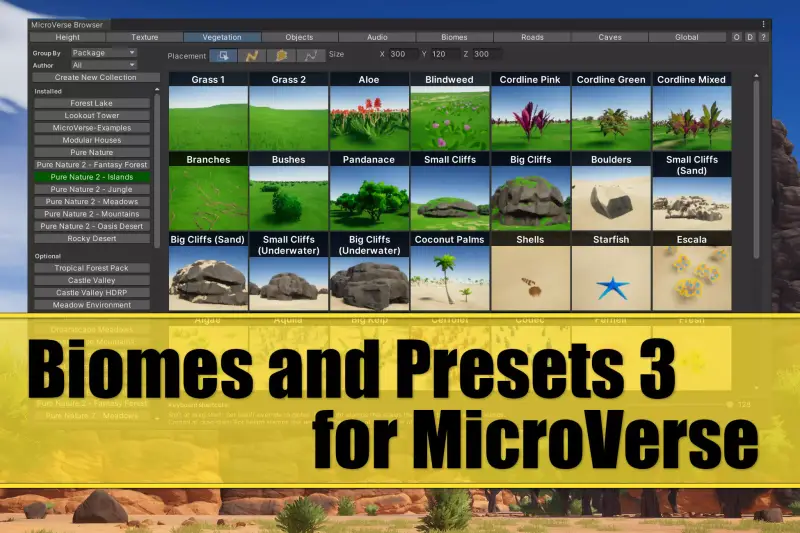
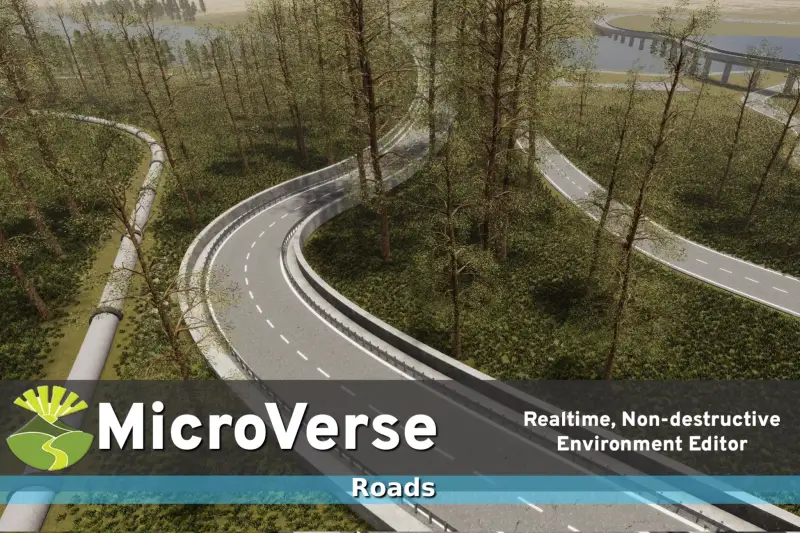
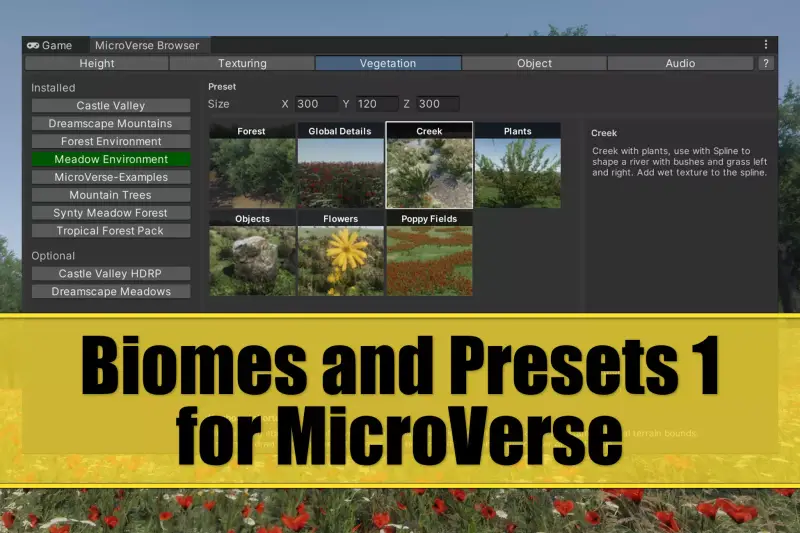
Biomes and Presets 2 for MicroVerse
About Biomes and Presets 2 for MicroVerse – Unity Editor Tool & Plugin
Biomes and Presets 2 for MicroVerse Unity Asset Overview
Terrain generation in Unity has traditionally been a painful bottleneck. Standard terrain tools force you into destructive editing routines where altering a mountain ridge or shifting a riverbed destroys hours of manual splatmap painting and foliage placement. The MicroVerse framework changed that paradigm by introducing real-time, non-destructive GPU-driven terrain authoring through modular stamps. Biomes and Presets 2 for MicroVerse builds directly on top of this foundation, providing a massive library of ready-to-use terrain rules, foliage distribution profiles, and procedural heightmap modifiers.
In my experience building large-scale environments, setting up cohesive biome rules from scratch—matching rock textures to slope angles, blending ground cover using noise masks, and configuring realistic tree density—takes weeks of painstaking tweaking. This asset acts as a high-level preset system that wires straight into the core MicroVerse graph architecture. Instead of sculpting individual terrain patches, you drop down biome stamps that instantly compute height curves, splatmap texturing, detail vegetation, and tree placement in real time using compute shaders.
Architecturally, the asset relies on Unity's modern rendering capabilities, maintaining compatibility across the Universal Render Pipeline (URP) and the High Definition Render Pipeline (HDRP). Because it avoids pre-baked static textures and instead relies on non-destructive GPU passes, your iteration time drops significantly. Here is the key takeaway: it shifts terrain creation from an artist painting pixels to an engineer adjusting logical parameters.
Core Technical Features & Highlights
The technical value of Biomes and Presets 2 for MicroVerse lies in how intelligently it handles asset rules and shader compute routines. Below are the key feature breakdowns that stand out from an optimization and workflow standpoint.
GPU-Driven Non-Destructive Stamping
Because these presets piggyback on the MicroVerse compute architecture, modifying a biome's influence area happens entirely on the GPU. Adjusting a slider dynamically updates the terrain mesh, splatmaps, and object placement without freezing the Unity Editor thread.
Pipeline Flexibility & Shader Compatibility
The package provides out-of-the-box asset variations suited for both stylized low-poly aesthetics and high-fidelity PBR workflows. Materials automatically map to URP and HDRP shader variants, handling texture array bindings and terrain normal blending without breaking lightmap bakes or SRP Batcher instances.
Technical Summary of Features
- Non-Destructive Layering: Stack forest, desert, and tundra biomes dynamically using alpha falloffs and noise masks.
- Procedural Foliage Masking: Automatic tree and detail spawning filtered by slope steepness, elevation thresholds, and custom splat textures.
- Low-Poly & Stylized Asset Support: Native configuration for low-poly mesh clutter and stylized vegetation without manual material fixing.
- Zero Splatmap Memory Overhead: Generates texture weights dynamically via compute passes rather than storing massive 4K static splat maps on disk.
Ideal Use Cases & Game Genres
Honestly, not every project needs a procedural biome engine, but for specific genres, this tool saves hundreds of engineering hours:
- Open-World Indie RPGs: Excellent for filling massive landscapes with varied ecosystems (taiga, arid badlands, dense forests) without blowing up the project bundle size.
- Stylized & Low-Poly Adventure Games: The included presets suit stylized art directions, allowing developers to blend low-poly environmental props directly into procedural heightmaps.
- First-Person Survival & Crafting Titles: Perfect when you need organic, believable transitions between safe starting zones and hostile outer biomes.
- Rapid Prototyping & Game Jams: Lets small teams build playable, visually complete exterior environments in a matter of hours rather than weeks.
Quick-Start Unity Setup & Integration Guide
Integrating Biomes and Presets 2 into an existing Unity project requires having the primary MicroVerse execution pipeline installed first. Here is a practical workflow to set up your first dynamic biome layer:
1. Pipeline Preparation
Ensure your project target is set to either URP or HDRP. Import the core MicroVerse package first, followed by the Biomes and Presets 2 package. Ensure Unity's Compute Shader capabilities are supported on your target platform build settings.
2. Creating the MicroVerse Base
In your scene, add a standard Unity Terrain object. Attach the MicroVerse main component to an empty GameObject. MicroVerse will take control of the terrain data dynamically.
3. Programmatic Biome Control Example
While you can drag and drop preset prefabs directly into the scene view, you can also write custom editor tools or trigger systems to instantiate and modify biomes at runtime or during procedural generation steps. Below is a C# script illustrating how to inject a biome preset programmatically into a MicroVerse manager and trigger a recalculation.
using UnityEngine;
using JBooth.MicroVerseCore;

public class BiomePresetSpawner : MonoBehaviour
{
    [Header("MicroVerse Setup")]
    [SerializeField] private MicroVerse microVerseInstance;
    [SerializeField] private GameObject biomePresetPrefab;
    [SerializeField] private Vector3 spawnPosition = Vector3.zero;

    public void ApplyBiomeToTerrain()
    {
        if (microVerseInstance == null || biomePresetPrefab == null)
        {
            Debug.LogError("[BiomeSpawner] Missing required references!");
            return;
        }

        // Instantiate the preset prefab as a child of the MicroVerse system
        GameObject biomeObject = Instantiate(biomePresetPrefab, spawnPosition, Quaternion.identity);
        biomeObject.transform.SetParent(microVerseInstance.transform, true);

        // Notify MicroVerse to refresh GPU compute passes
        microVerseInstance.Invalidate();

        Debug.Log($"[BiomeSpawner] Applied {biomeObject.name} to MicroVerse hierarchy.");
    }
}
Pros & Cons Assessment
Every asset has trade-offs. Here is my honest evaluation of what works brilliant and what requires developer attention.
- Pros:
- Drastically accelerates environment design iteration speed.
- Fully non-destructive—tweak biome bounds anytime without losing work.
- Extremely low project disk usage due to procedural GPU generation.
- Out-of-the-box support for both URP and HDRP graphics pipelines.
- Great selection of low-poly and stylized presets ready for instant layout.
- Cons:
- Hard dependency on the core MicroVerse base asset (sold separately).
- Requires basic understanding of GPU compute workflow to optimize density limits for lower-end hardware.
Asset Details & Specifications
| Category | Tools / Terrain |
|---|---|
| Latest Version | v2.20.0 |
| File Size | 37.47 MB |
| Added to Platform | June 6, 2026 |
| Views | 4 views |
| Downloads | 4 downloads |
| Favourites | 0 favourites |
| Official Store | Buy Original License on Unity Asset Store → |
| Issue with Package? | Report Broken Link → |